
Multiple files can be added to a project directly from the Uploads panel — no compressed bundle required.
- Load the target project
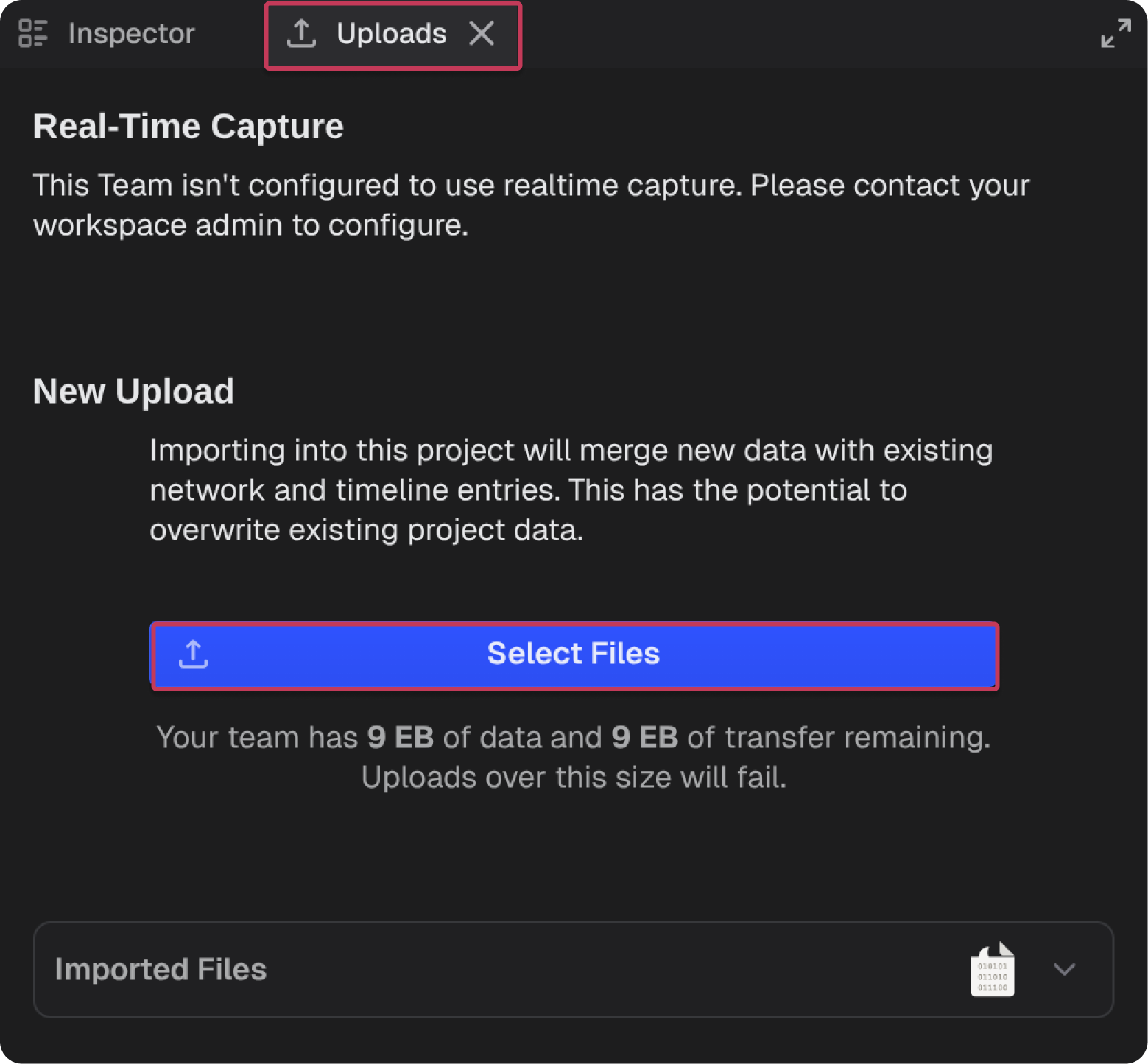
- Select the Uploads panel
- Click Select Files
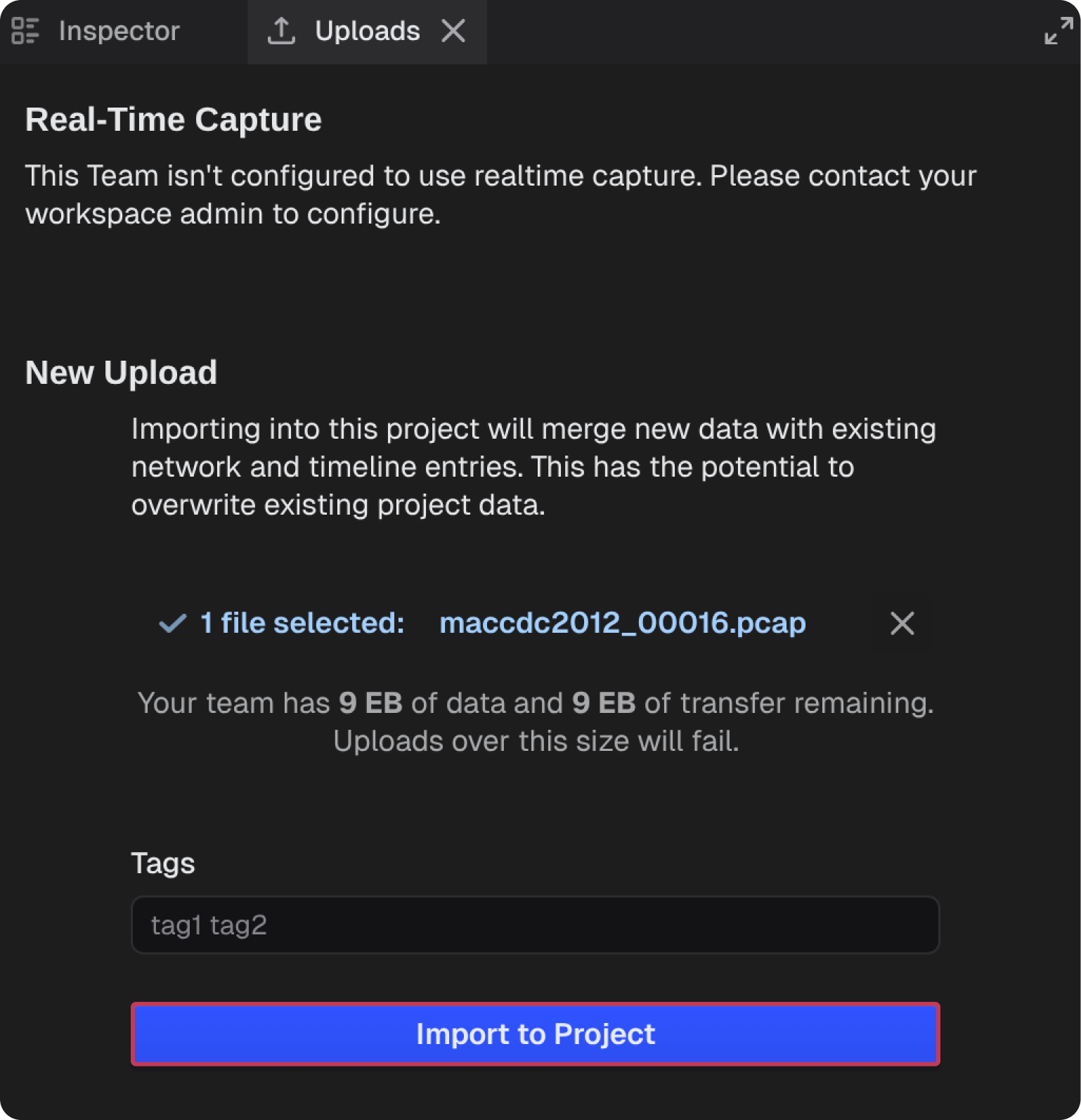
- Select the file(s) to import
- Select Import to Project
Note: Files must be imported one at a time unless bundled into a compressed archive.
