
A classification banner can be displayed across the workspace for compliance marking. Once enabled, the banner appears for every member on their next refresh.
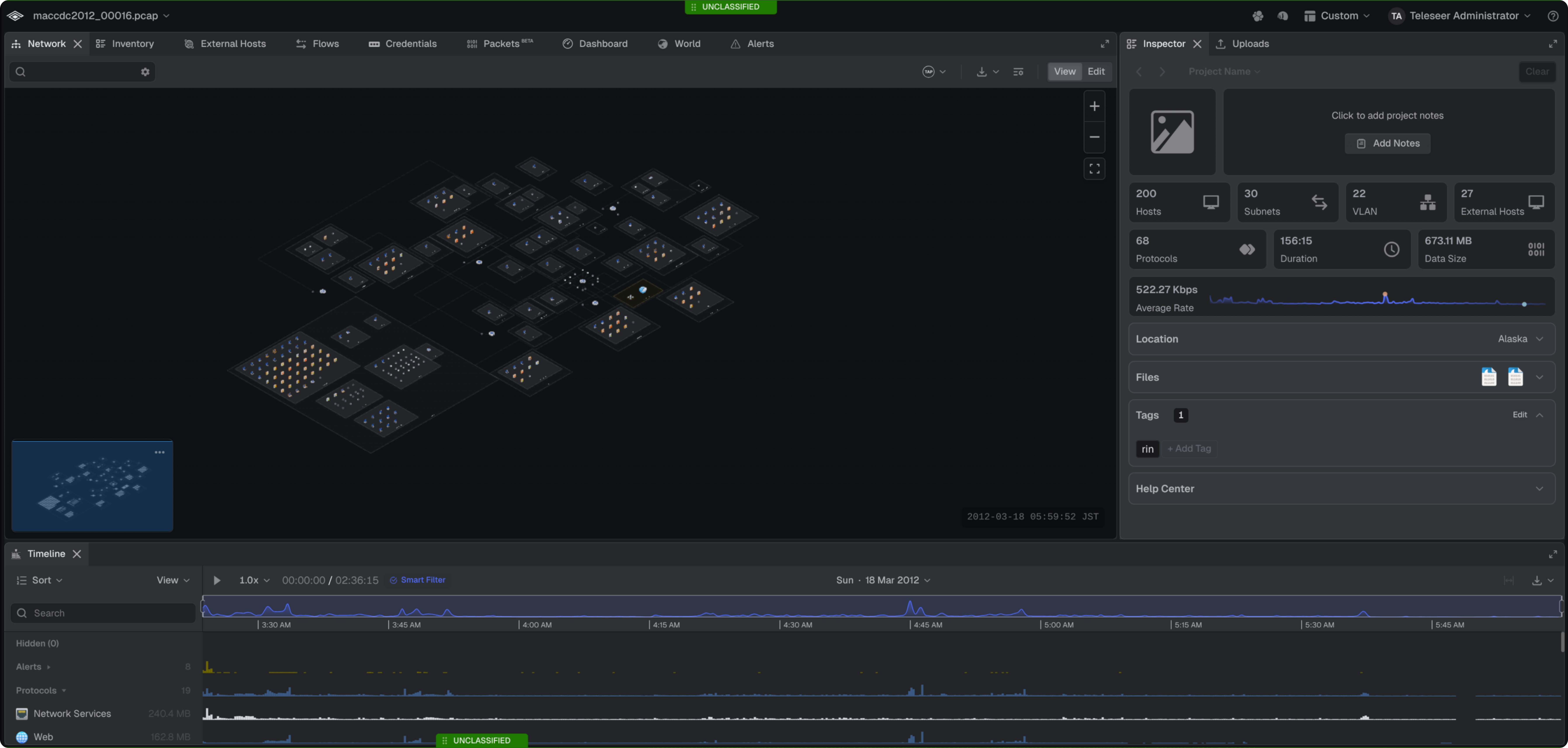
- Navigate to the team Workspace
- Select the Team dropdown → Workspace Settings

- Select Classification Banner
- Toggle Enable
- Customize Style, Position, Font, Color, and Text
- Select Save

