
Panels containing the SmartFilter option displays content related to the selected host(s).

Smart Filter Enabled Panels
- Timeline
- Inventory
- Flows
- Credentials
- Dashboard
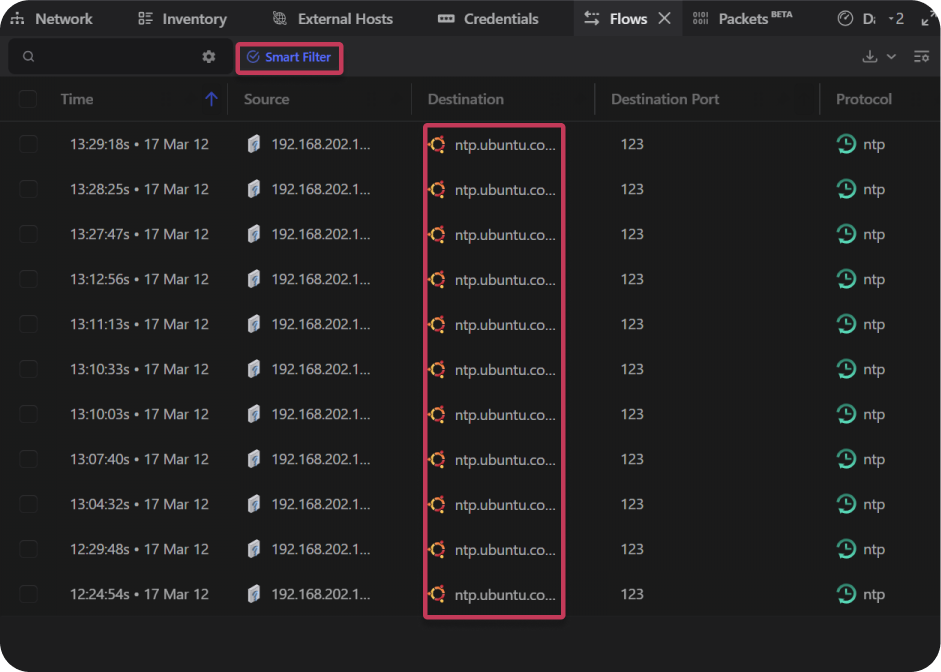
Flows Panel Example
- Open the desired project.
- Select the Network panel.
- Select the desired host(s).
- Select the Flows Panel
- Select the Smart Filter button.
- The table will now only display flows related to the selected host(s)
Note: The inspector panel will indicate when hosts or subnets have been selected.
