
Teleseer integrates with a geolocation service to add a physical location to the metadata of hosts that have a public IP address.
1. Load the target project
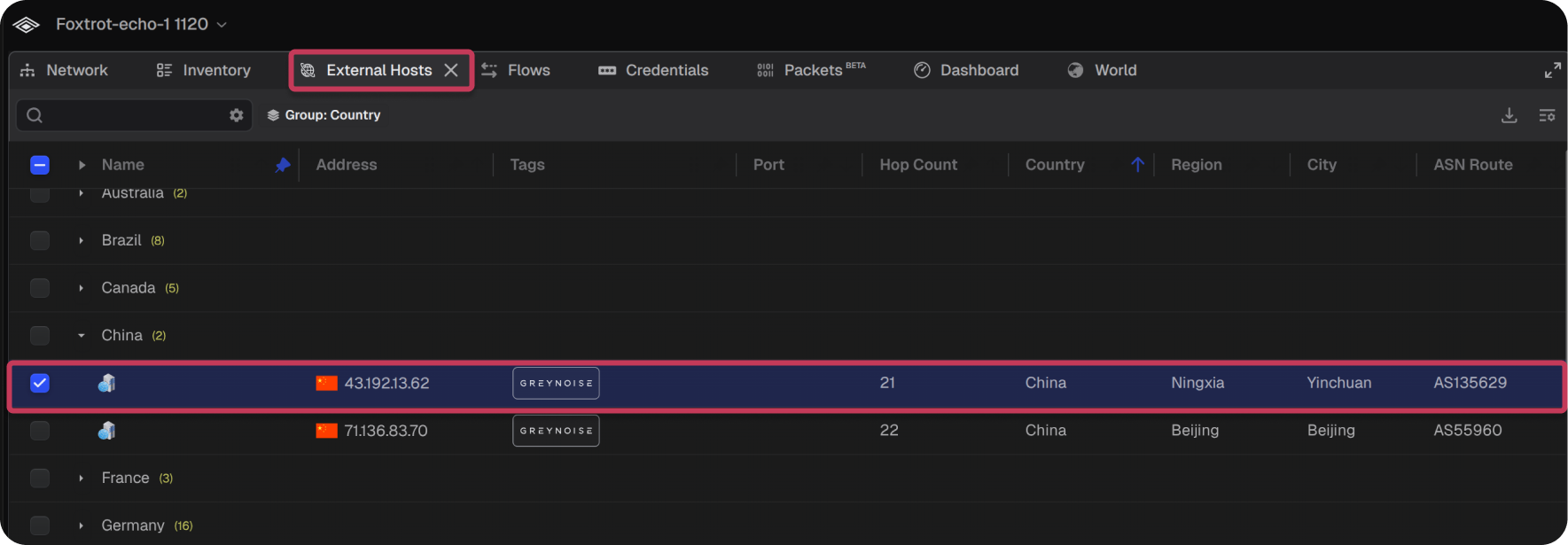
2. Select the External Hosts tab
3. Select the target host row to view any details that may be available from enrichment data.
4. The Host Selected panel displays the host's physical coordinates, Autonomous System Number (ASN), and an interactive map pinpointing its location
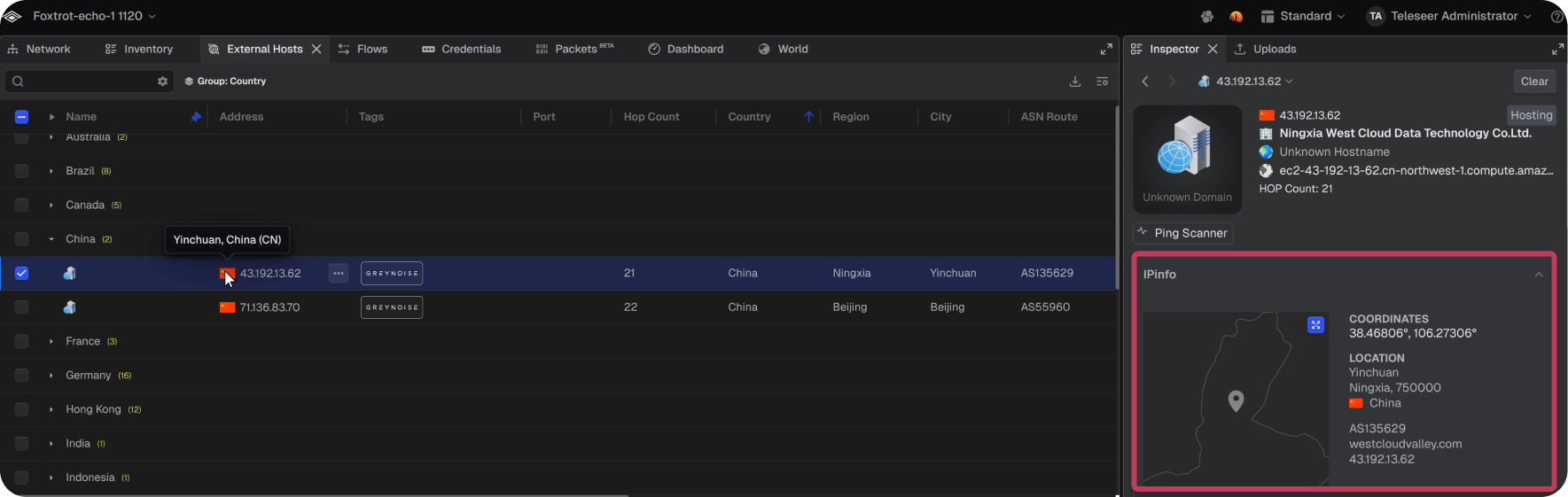
Note: Hovering over the flag icon displays a tooltip with the country name.
