
Teleseer On-Prem Password Resets
If you are using an on-premises Teleseer deployment, a Teleseer administrator must reset your password for you. Once access is restored, you can change your password from your user profile.
Teleseer SaaS Password Resets
Note: This section only applies to https://go.teleseer.com accounts
To reset your Teleseer password:
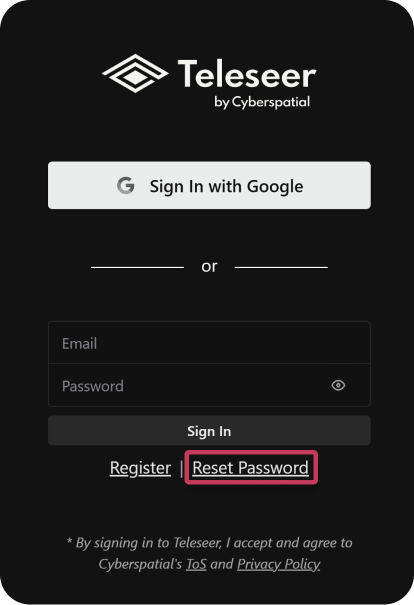
- Go to the Teleseer login page
- Click Reset Password link or navigate directly to https://go.teleseer.com/auth/reset
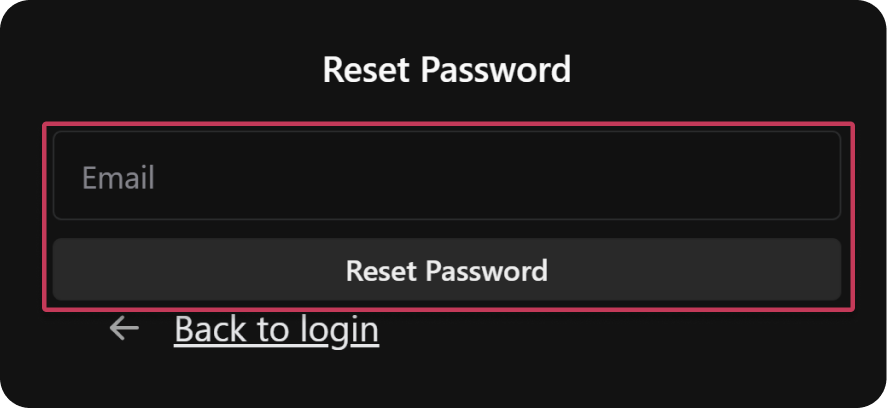
- Enter your Email address
- Click Reset Password
- Follow the instructions in the email you receive
Note: If you signed up using Google authentication, you cannot change your email address or password from within Teleseer.
