
The Inventory, External Hosts, Flows, and Credentials tables support column sorting.
- Load the target project
- Select a qualifying tab
- Hover over the target column header and select the Sort Column arrow
- Select the Sort Column button again to sort in the opposite direction
- Click the Sort Column arrow a third time to clear sorting and return the column to its default order
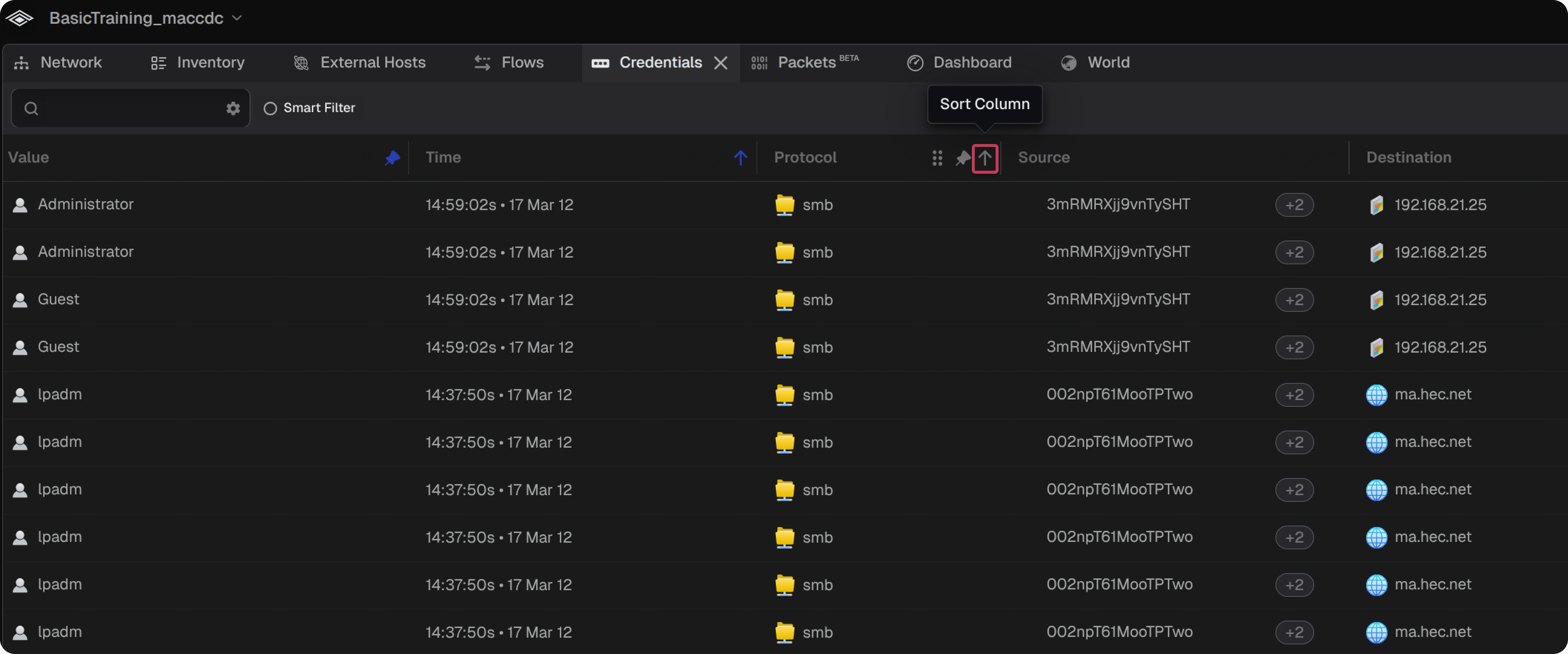
Note: The Sort Column arrow is blue when sorting is active and gray when inactive. If a column is not sortable, the arrow will not appear.
