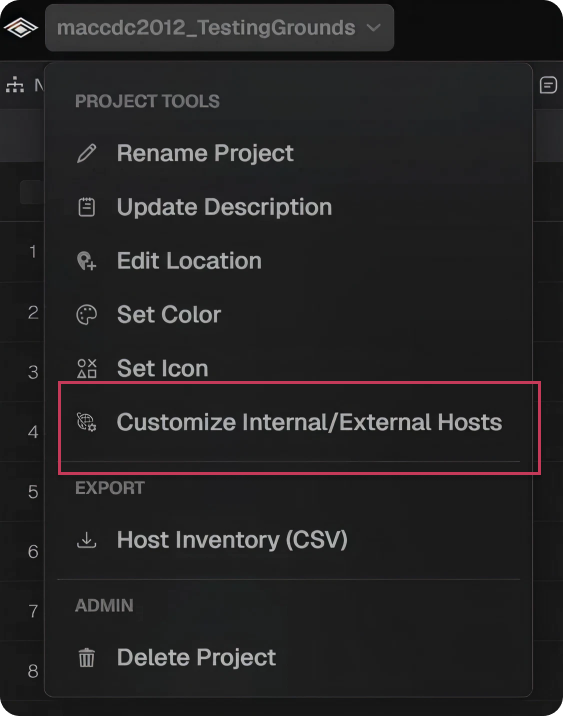
Internal hosts are defined as any host inside the tap, and hosts directly connected to a router adjacent to the tap. Such hosts will be part of a broadcast domain. Any host not associated with a broadcast domain is considered external and can be found in the External Hosts panel. Like the Inventory panel, the table can be sorted, searched, and exported, and rows can be clicked to reveal additional information about the selected host.
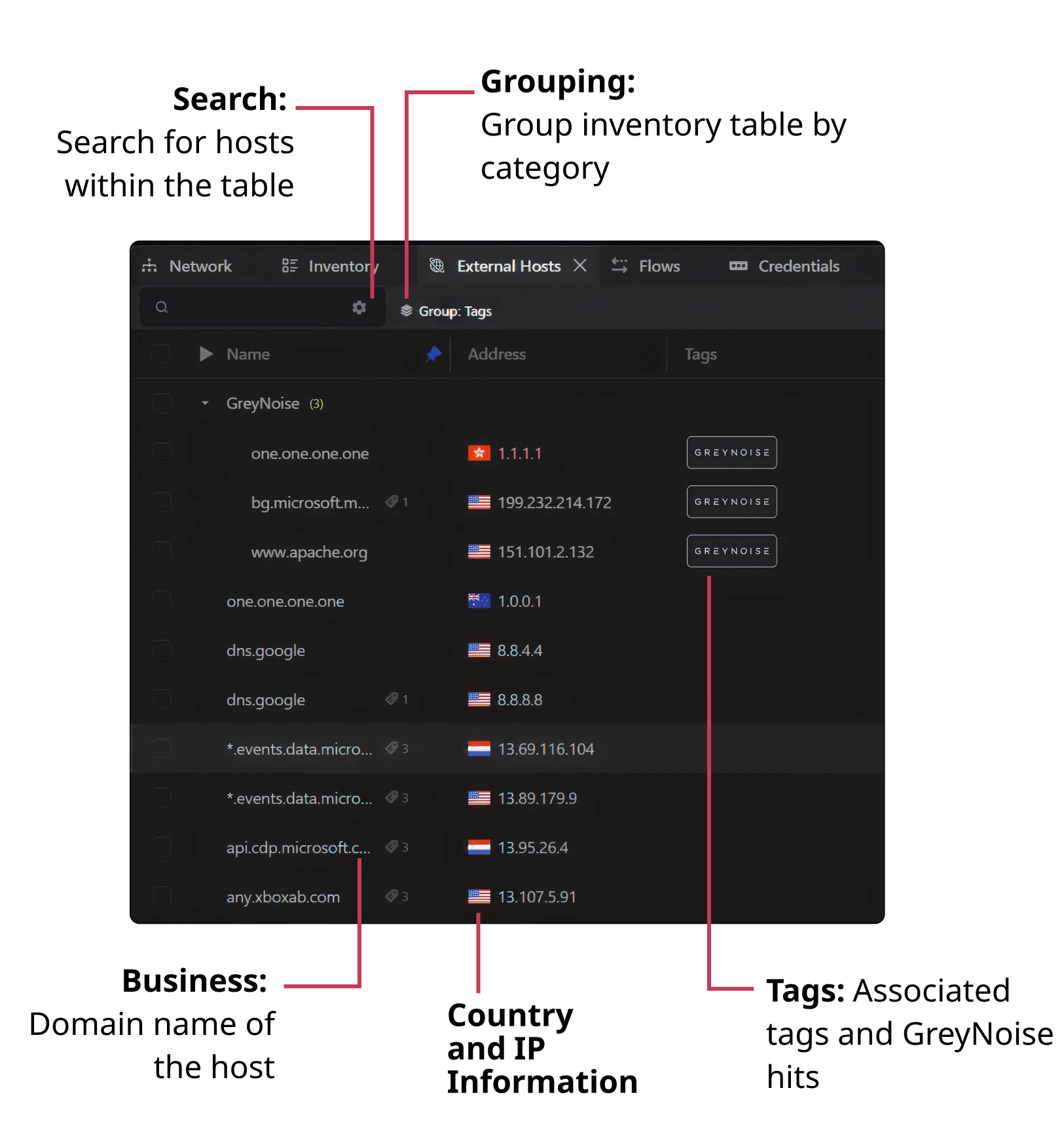
Columns
The External Hosts table contains the following columns:
Search
Each column within the table can be searched. Simply enter the desired value within the search text field.
Grouping
The table can be grouped by the following values:
- Country
- Hostname
- Tags
- Vendor
Export
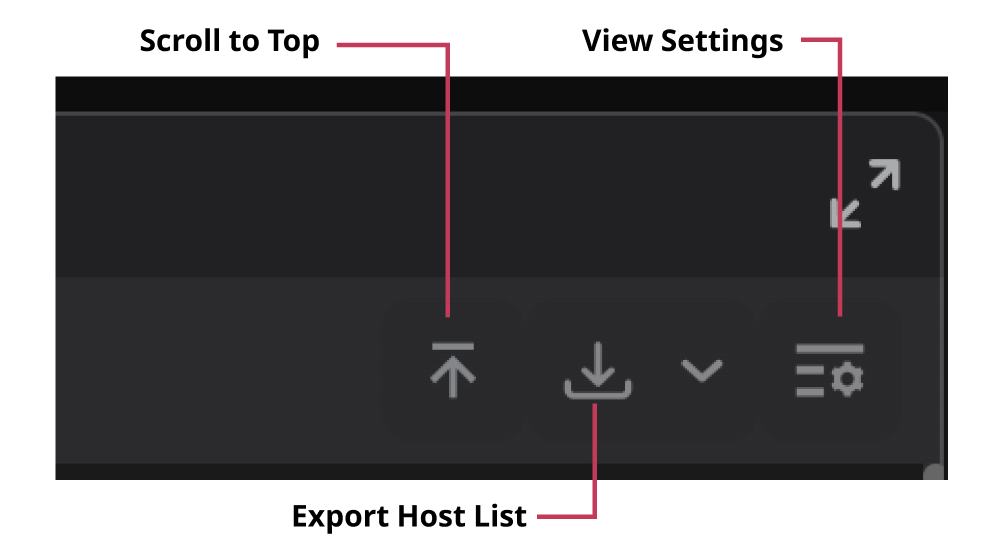
The entire table can be exported by selecting the Export Host List (CSV) button.
View Settings
Users can change the visible columns by accessing the View Settings dropdown.
Customizing
By default, all detected hosts that are not associated with a broadcast domain are considered to be external.
- To modify your broadcast domain select your project toolbar in the top left ➜ Customize Internal/External Hosts and add the subnets you would like to be included as internal.