Improved 3D rendering speed for Topographic view to accommodate performance limited hardware and operating systems.
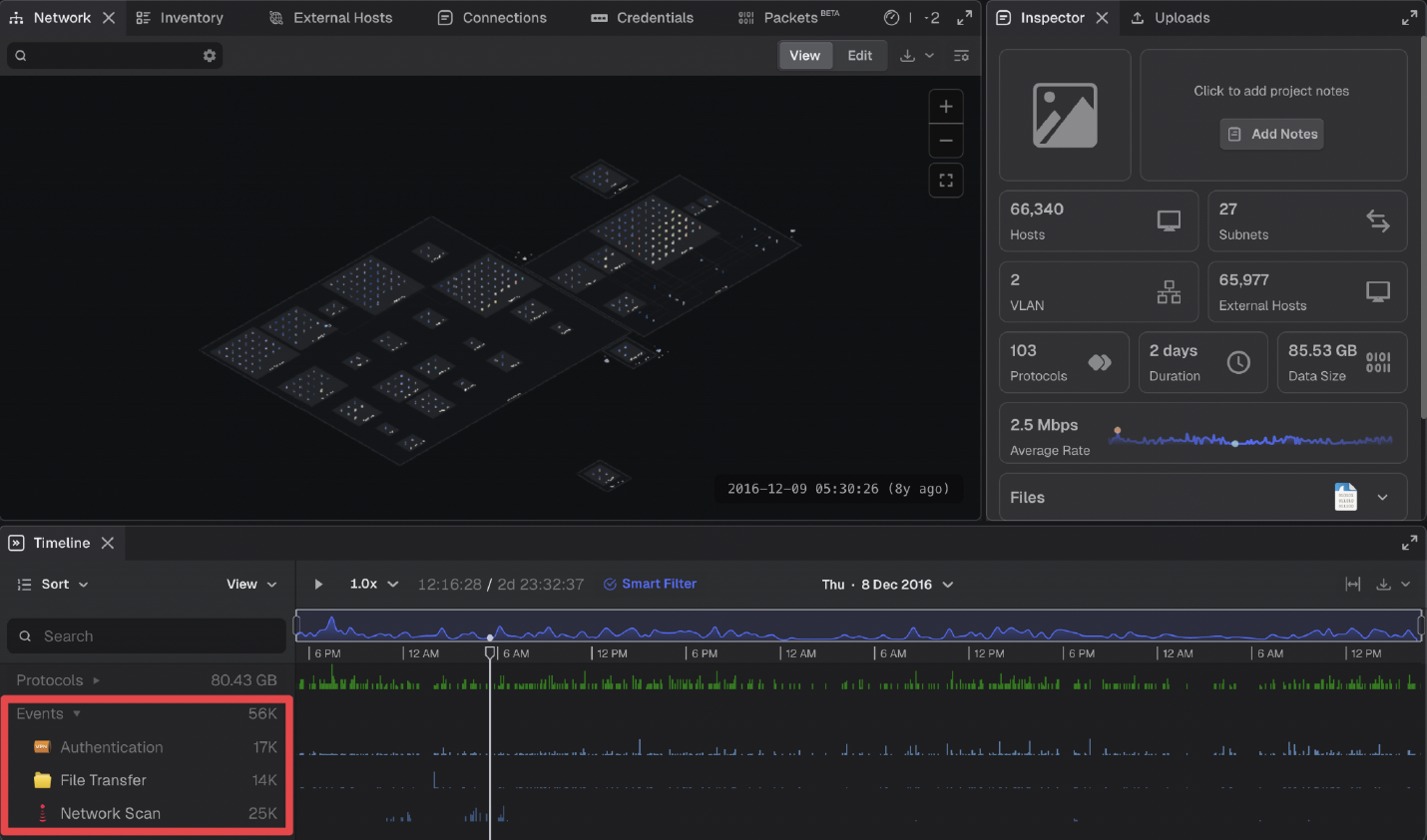
Unlimited Events in Projects
FIXES
Addressed feedback about sluggish drawer animations and allows users to opt for instant UI changes. Added global user setting for animation preference: None, Balanced, or Max, defaulting to Balanced. Balanced mode keeps subtle animations for panels like Network but skips large UI transitions; None makes transitions instant. System detects OS 'prefers reduced motion' and disables most animations automatically.
Cancelling a project upload now deletes the empty project, avoiding orphaned projects cluttering the project list.
Various graphical adjustments based on user feedback: Changed edges from bus routed to direct to reduce manual adjustments. Spaced out interface layouts when more than 4 interfaces to avoid label overlaps. Adjusted OrganicLayout and OrganicLayoutData for more space, but refined to keep interfaces tight when possible. VLAN line in labels now only shows if connected to a removed empty VLAN. Reduced font size and line spacing in interface labels; added stroke to letters for better readability. Labels can now be positioned on any side of interface nodes, not just the north, to minimize space and avoid overlaps. Added figure constraints for broadcast domains connected to a router.
Font color for network graph timestamp updated during active playback to highlight the selected time in the timeline.
Implement spotlight-fade effect for zones in 3D mode when no matching search results are present, matching existing 2D functionality.
Fixed issue where the inspector panel toggle stopped functioning if the uploads table was hidden.
Fixed issue where resizing the browser triggers an unwanted animation in the timeline component.
Restored consistent hover state for tags in Inspector accordion, including empty accordions. Removed background from expand/collapse arrows to match title hover effect. Increased hitbox size for section edit buttons and added tooltip plus active editing state.
Timeline now displays single-packet PCAP files by enforcing a minimum 3-second span and adding time buckets before and after project times.
Timeline sidebar accordion arrows moved to the left side for improved alignment with design specs.
Fixed issue where UI buttons in the Teleseer launcher were draggable and incorrectly activate the drop zone; these elements are no longer draggable.
World map and panel timestamps now update to the rightmost time of selected traffic in the Timeline panel for accurate asset positions and time display.