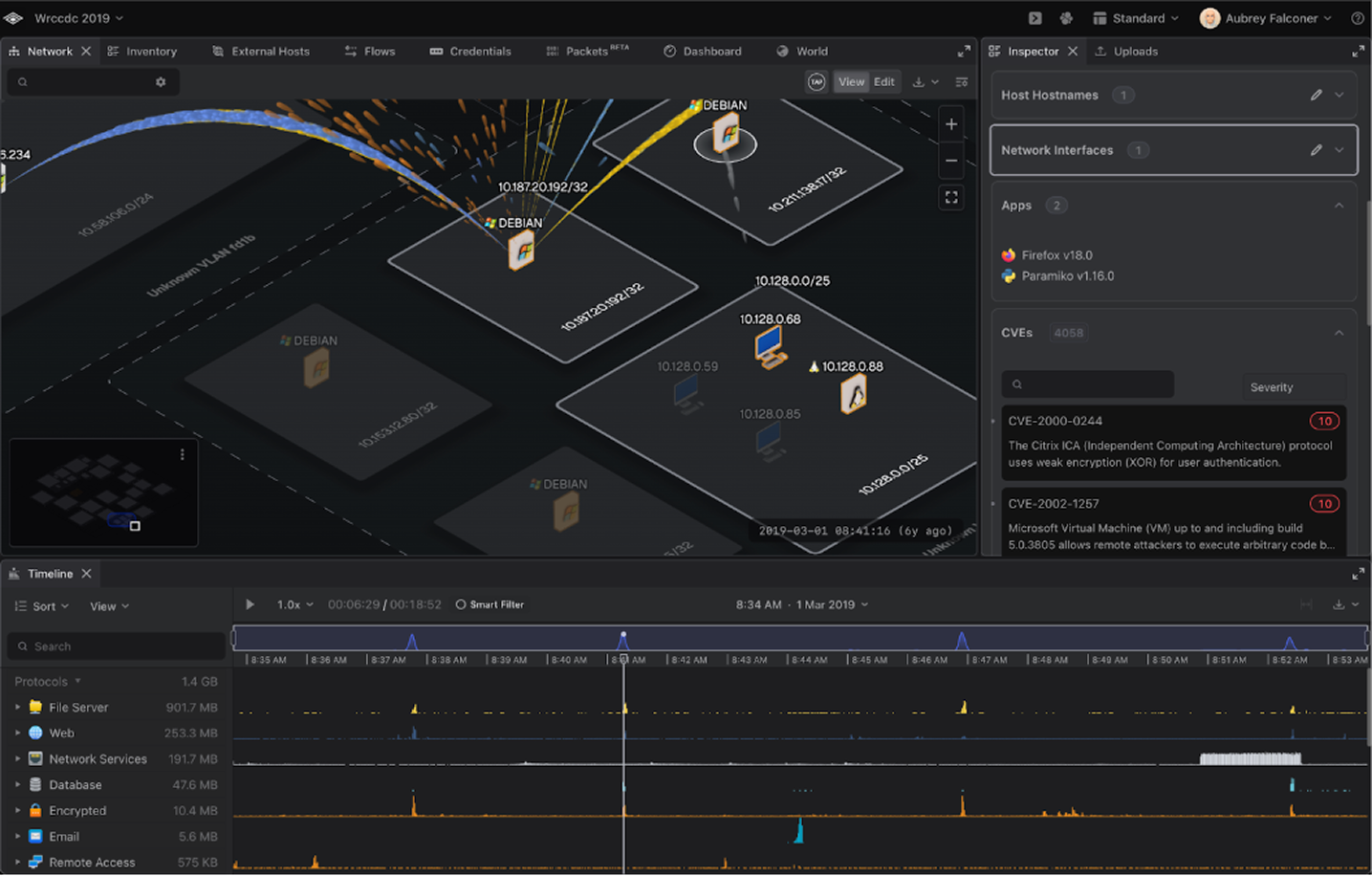
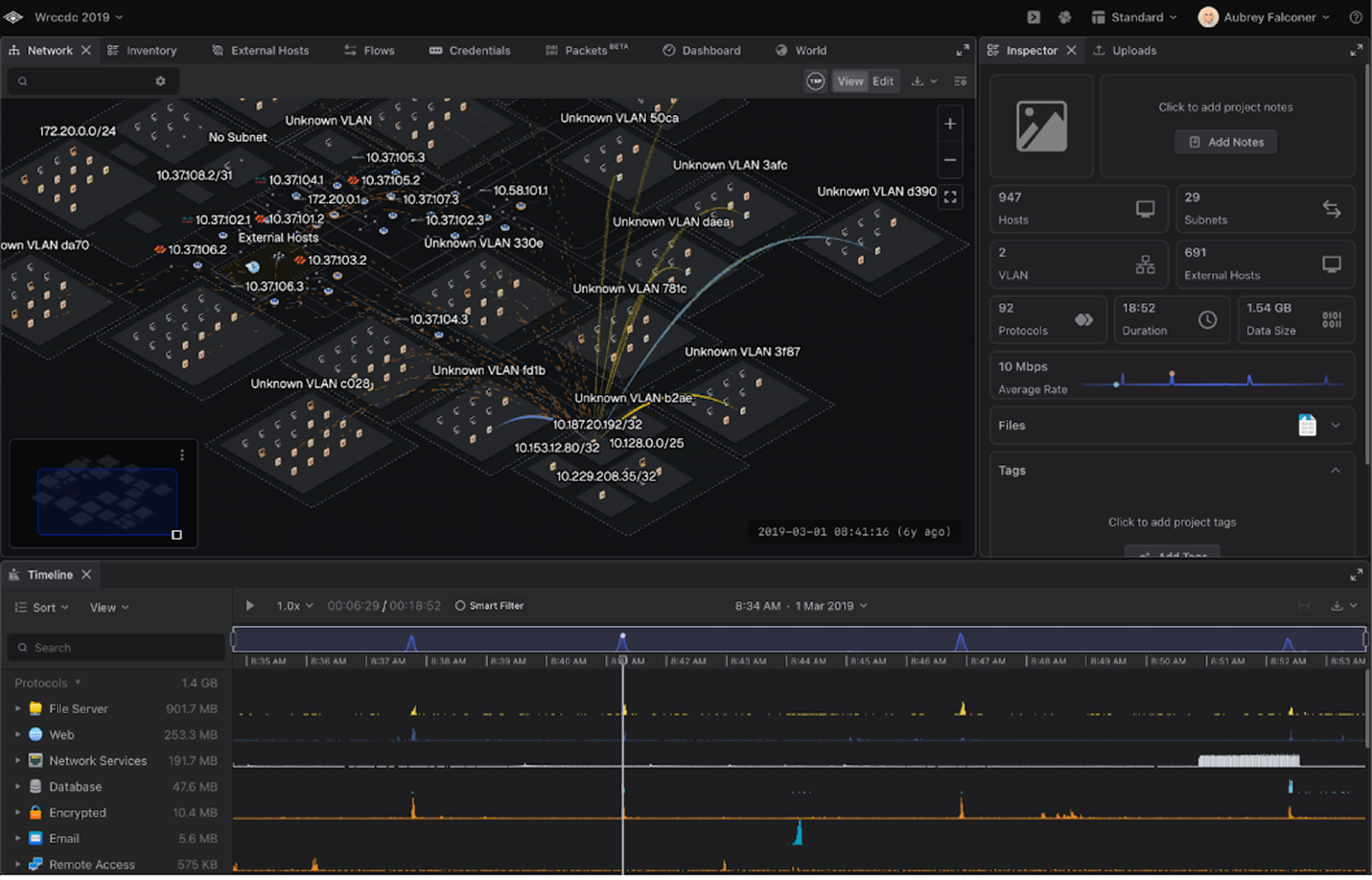
Refined 3D rendering - including cleaner host labels, soft shadows, smoother session arc animations, dramatically faster initialization, and a fully functional edit mode.
Smoother arc animations.
Cleaner 3D labels and host names.
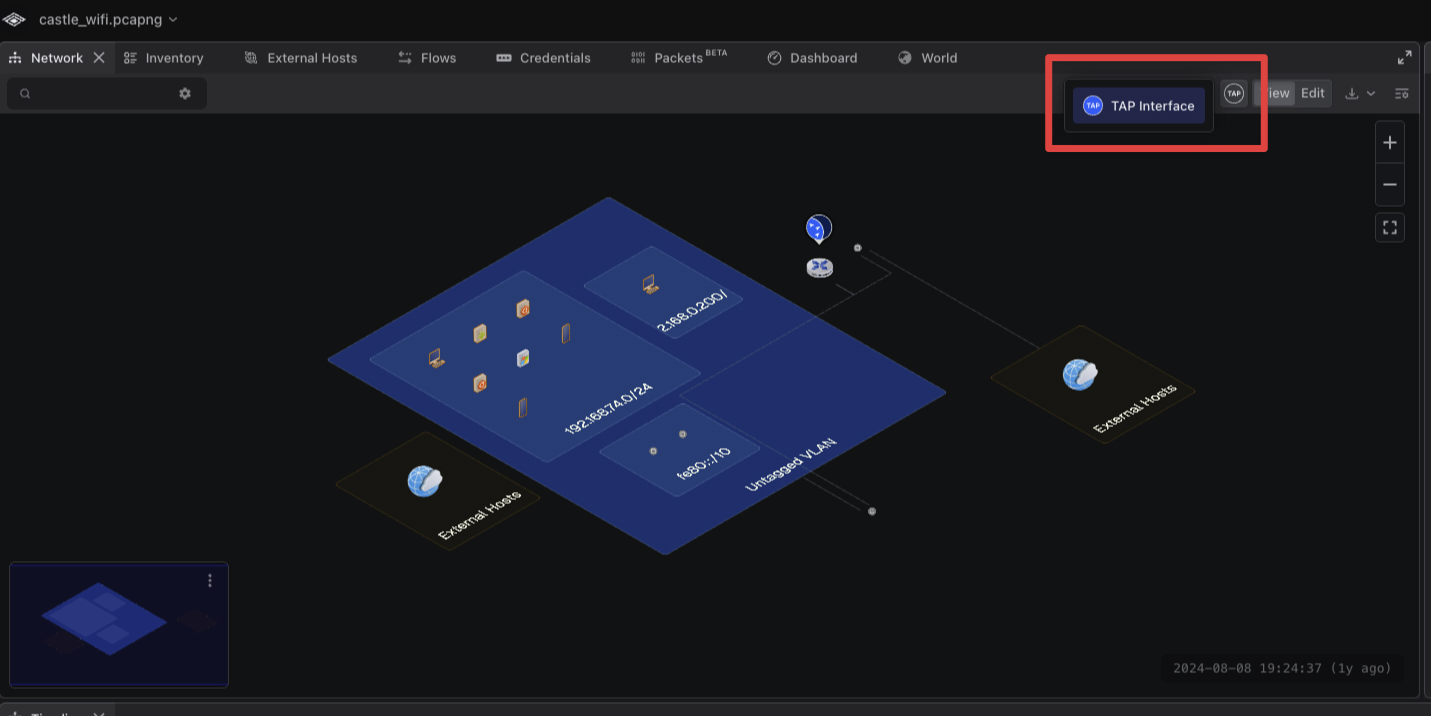
Implemented Network Tap Visualization 2.0 - Taps are no longer displayed as a triangle on the map. All taps are now live-overlayed through a Tap Dropdown Menu, located in the primary network panel toolbar.
New TAP interface.
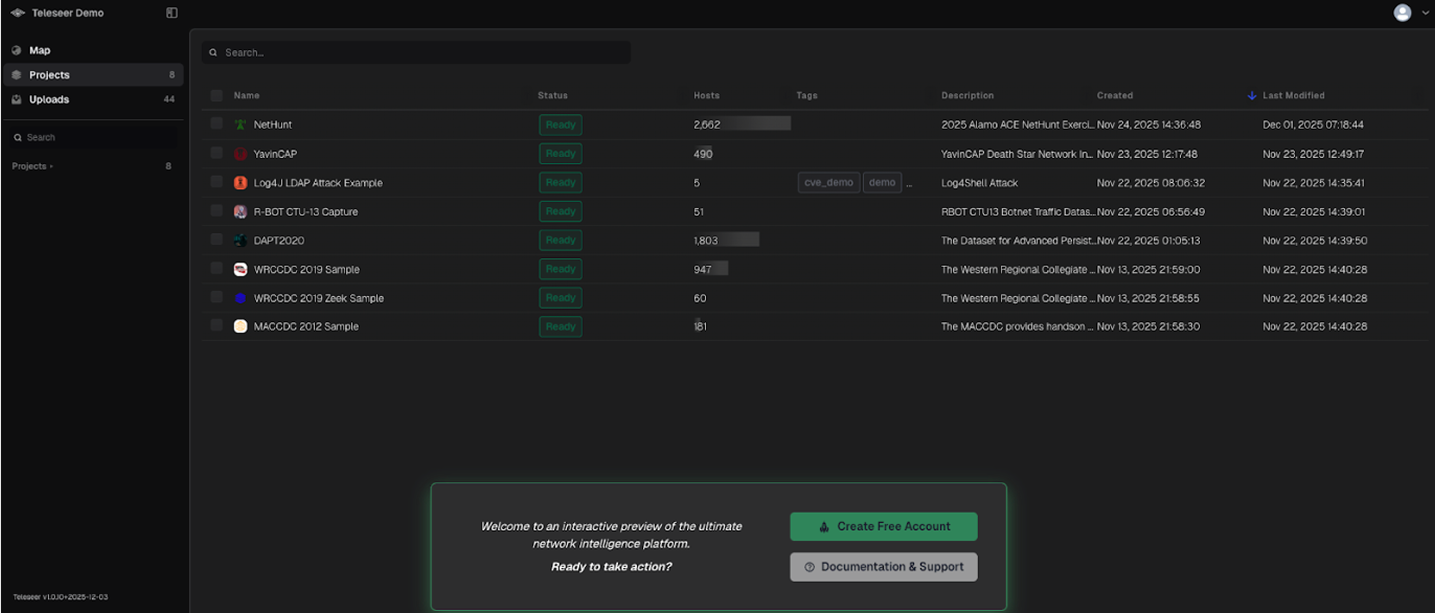
Re-launch demo.teleseer.com site for external users. The Demo environment is a read-only sampling of PCAP projects available online for anyone to explore the base functionality of Teleseer.
Demo tenant.
FIXES
Fixed Subnet Total Mismatch between Inspector Panel and Dashboard.
Further processing time for Timeline & Flow Rendering in LONG Projects.
Standardize file upload and project update progress indicators to time-relative schema. Streaming projects will always show live. Clicking on it will show a dropdown showing specific files being processed and files being uploaded/updated inside the project.
Fixed screen recording status updates not correctly stopping the recording after hitting save.
Fixed issue with Timeline not fully redrawn on asset selection on large projects.
Fixed project host count staying at zero on launcher until manual refresh. Host count now updates upon project build completion.
Added default headers for "Export All Charts" PNG & SVG in the Dashboard. Charts now reflect accurate headers.
Prevent creation of projects with duplicate names by appending a numerical suffix, following the same pattern used for duplicate file uploads.
Enhanced ability to edit and update project descriptions post creation on SaaS.
Updated files panel status for canceled file uploads. Cancelled uploads will now be removed vs remaining in "submitted" status.
Fixed issue with Delayed/Flash Traffic Flows in 3D for on-prem.
Enhanced tag search functionality.
Button for changing a project picture improved to be more visible.