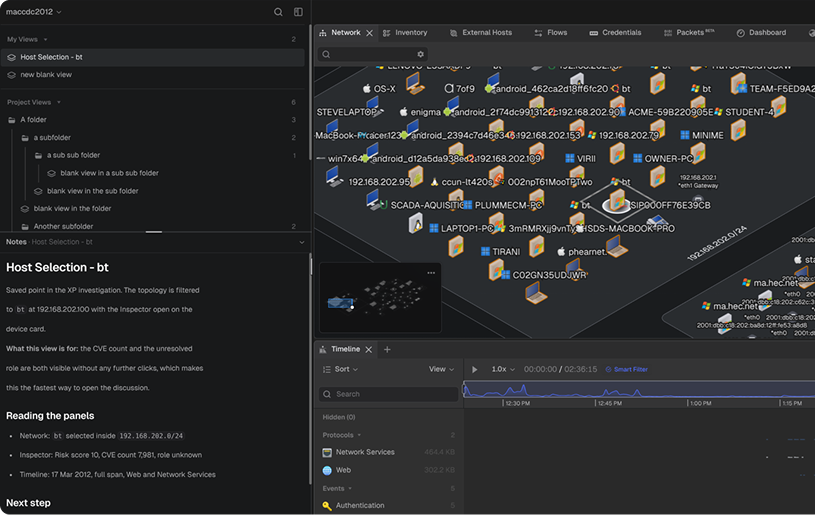
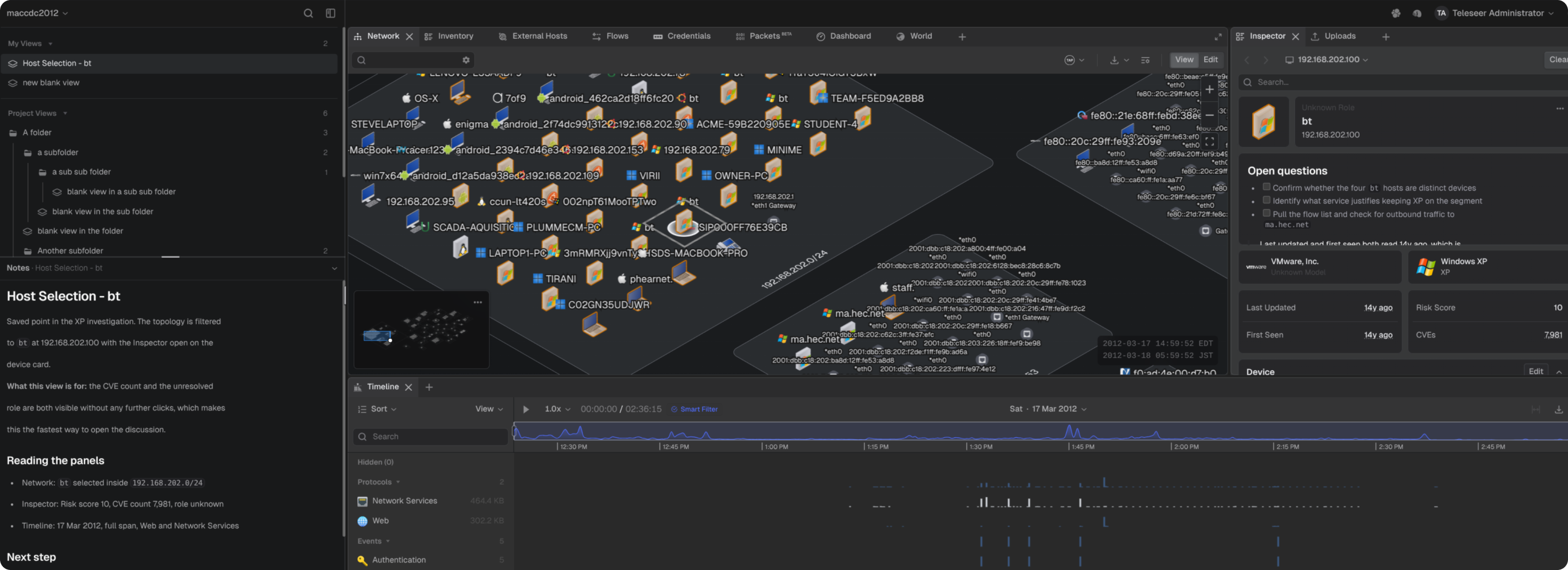
Views - Save the state of a project workspace as a named view and return to it later. A view records the panel layout, the current selections, and the search and filter state of each table. Views live in the sidebar, where they can be organized into folders, marked as favorites, and shared with the rest of the project:
Version history - records every saved change to a view. Earlier versions can be previewed and restored from the sidebar.
Notes - give each view its own notes that can be used in conjunction with the presentation ready export. Export - turns a single view or an entire folder into a presentation-ready PDF or PPTX file, with optional notes, dates, and an organization logo.
JSON - move views between projects as JSON files, or as ZIP archives, that keep a folder and its structure together.
Views Feature
Appliance system information - On-premises deployments gain a technical preview to three pages under Workspace Settings:
System - reports uptime, live CPU, memory, and capture store gauges, thermal readings, and hardware and operating system details.
Performance - charts CPU, memory, and storage utilization for the current session.
Licensing - reports license status and permits license activation.
OPTIMIZATIONS & ENHANCEMENTS
Multi-value field indicators - Hosts often carry more than one hostname, IP address, or role. A count now appears after the visible value, and hovering it lists the rest without widening the column.
Hostnames in the Inspector Panel - The Device card in the Inspector panel now includes every name associated with the selected asset.
New 3D host models - The network topology adds models for satellite antenna stations, serial devices, and serial-over-IP devices. Additionally, host types without a matching model now fall back to a generic device model instead of rendering nothing.
MAC address fallback - The Inspector and Alerts panels now show the MAC address when no IP address is available.
Clear all filters and selections - The toolbar now shows how many filters and how many selected items are active for the current view. A Clear All button resets both at once.
Search – The host apps section in the Inspector panel now supports search.
FIXES
Large project loading and rendering - Projects with very large host counts load faster and browse without stuttering. Asset icons in the network topology now stay visible across long sessions and tab switches. Opening the same project in multiple tabs no longer crashes the browser.
Host highlighting on hover - Hovering a host row in the Inspector or Flows panel now displays a green arrow pointing to that host in the network topology.
Login error recovery - The login screen now shows an error message and a Retry button when sign-in fails. It previously showed a loading spinner that never finished.
Numeric fields in alert configuration - Alert settings that take a list of numbers now save correctly. These fields previously showed an error and would not save. Invalid entries are also rejected as they are typed, instead of at save.
Timeline selection range - The Timeline now displays long selection ranges correctly. Vulnerability score display - Turning off the vulnerability score in 3D mode now removes the scores from the network topology.
Timeline custom colors - The color chooser in Customize Timeline View now opens in front of the panel. It previously appeared behind the panel and could not be used.
Credentials in the Timeline - Credentials events now stay visible in the Timeline at every zoom level. These events previously disappeared at some zoom levels even when credential events existed.